
Fluxo documentation
Fluxo is a self-hosted web server control panel for provisioning and operating Laravel, PHP, WordPress, Python, Node.js, and static sites. It manages Nginx, PHP-FPM, deployments, certificates, databases, processes, backups, server logs, and firewall rules from one dashboard.
This handbook documents Fluxo v0.4.32. Use it to install a new server, understand the deployment model, or troubleshoot an existing installation.
What Fluxo manages
- Application sites and their Nginx configuration
- Validated per-site Nginx vhost overrides with restoration to generated defaults
- An optional trusted HTTPS panel domain while retaining direct recovery access
- PHP versions, PHP-FPM pools, and PHP settings
- The Node.js toolchain, including npm, pnpm, Yarn, Corepack, and Bun
- Python application support, including isolated virtual environments, pip, and uv
- GitHub accounts, repositories, branches, deploy keys, and webhooks
- Standard and release-based zero-downtime deployments
- Let's Encrypt, custom, existing, and cloned certificates
- MariaDB/MySQL and PostgreSQL databases, users, and grants
- Site daemons, scheduled jobs, commands, files, and logs
- Amazon S3 and Cloudflare R2 backup destinations and plans
- UFW firewall rules, SSH keys, system services, and activity history
Choose a starting point
| Goal | Read |
|---|---|
| Install a new server | Installation |
| Sign in for the first time | First login |
| Host a Laravel or PHP application | Laravel or PHP |
| Install WordPress | WordPress |
| Deploy Next.js, Nuxt, or another Node app | Node.js |
| Deploy Django, Flask, FastAPI, or another Python app | Python |
| Understand release directories | Zero-downtime deployments |
| Configure HTTPS | Domains and SSL |
| Customize a site's Nginx vhost | Nginx vhost editor |
| Connect a panel hostname | Settings and access |
| Protect site files and databases | Backups |
Product boundaries
Fluxo operates one server per installation. It expects root access during installation and performs privileged server administration through its daemon. Application deployment commands run as the dedicated fluxo system user.
Fluxo is not a DNS provider, source control host, email server, container orchestrator, or managed cloud. Configure DNS with your DNS provider, keep source code with GitHub or another Git remote, and retain an independent recovery path to the server.
Live demo
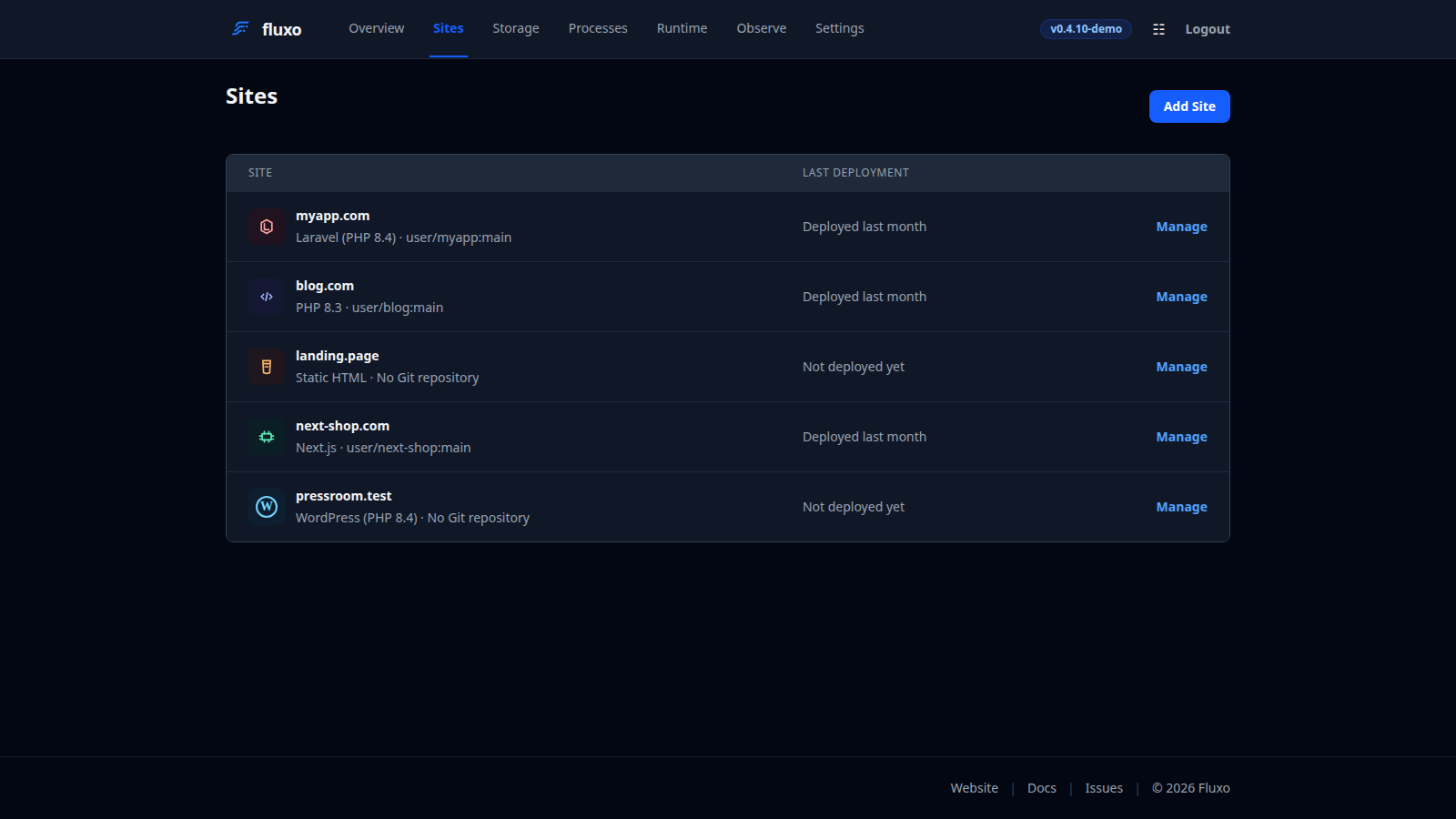
Explore the dashboard without changing a server at fluxo.fottify.com/demo/sites. Destructive and privileged actions are simulated in demo mode.